Skip to content
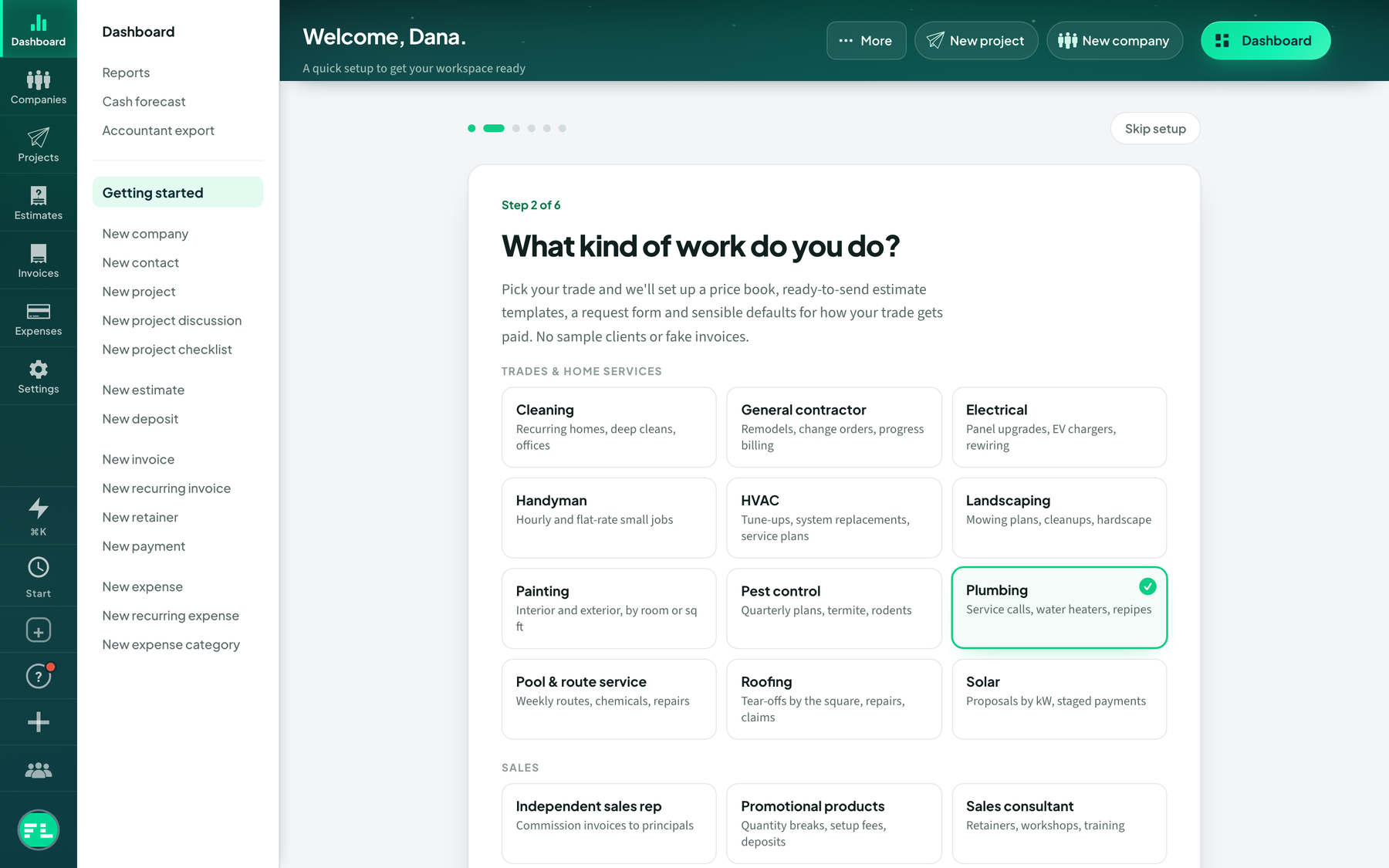 Use a trade starter kit and estimate templates
Pick your trade to load a price book, estimate templates, a request form and defaults, then save your own templates.
Estimates
Setup
Starter Kits
Use a trade starter kit and estimate templates
Pick your trade to load a price book, estimate templates, a request form and defaults, then save your own templates.
Estimates
Setup
Starter Kits
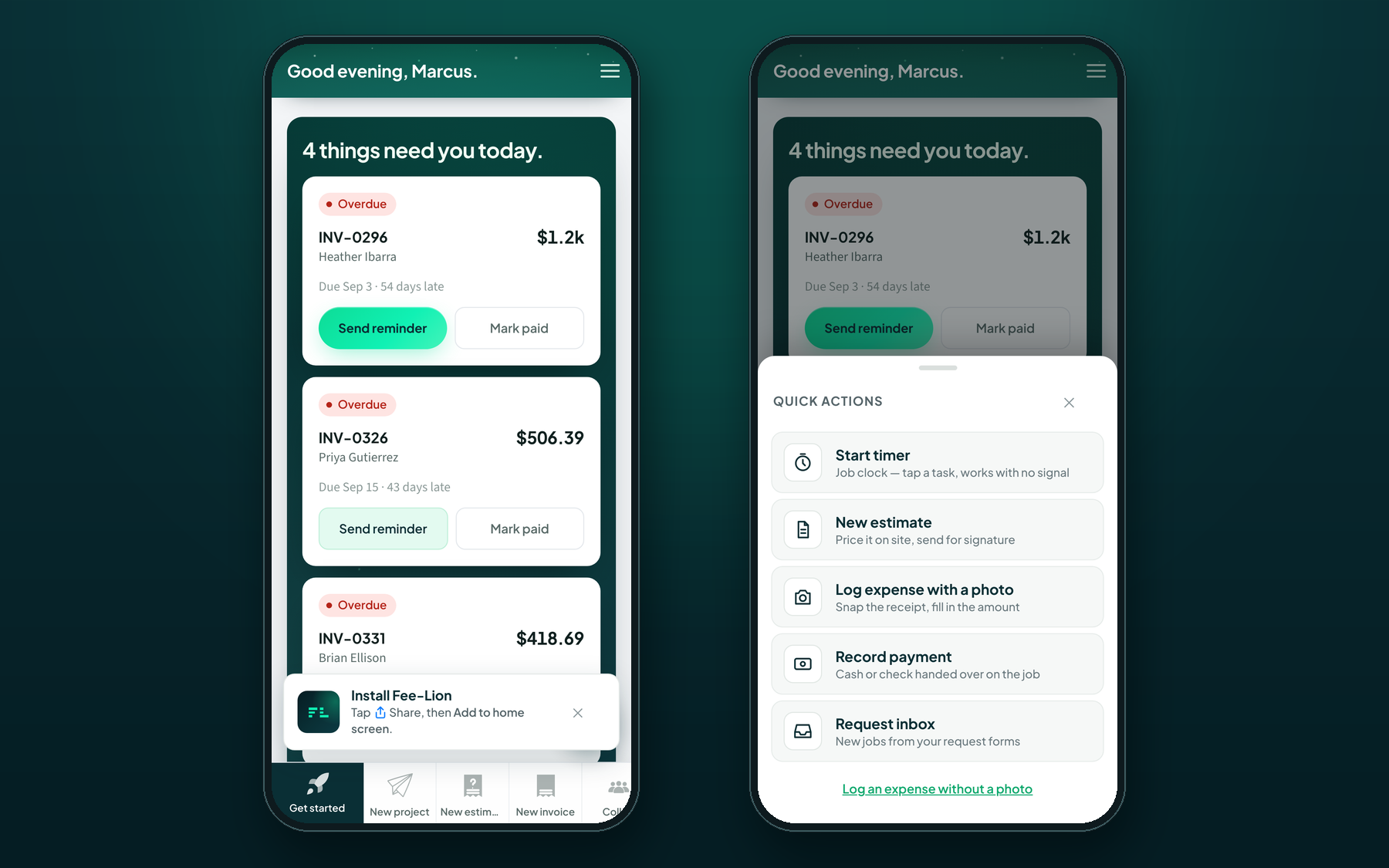 Install Fee-Lion on your phone
Add Fee-Lion to your home screen from Safari or Chrome, then use the quick-actions sheet and shortcuts on site.
Getting started
Phone App
Setup
Install Fee-Lion on your phone
Add Fee-Lion to your home screen from Safari or Chrome, then use the quick-actions sheet and shortcuts on site.
Getting started
Phone App
Setup
 A ⌘K command palette cheat sheet
Every move you'll actually use from ⌘K — 'pay INV-204', 'create invoice for Acme', jump to a client — on one quick-reference page.
Command Palette
Productivity
Setup
A ⌘K command palette cheat sheet
Every move you'll actually use from ⌘K — 'pay INV-204', 'create invoice for Acme', jump to a client — on one quick-reference page.
Command Palette
Productivity
Setup
 What to Bring When You Migrate Billing Tools
A simple packing list for switching to Fee-Lion: which client, invoice, and history files to export from your old app so the import goes smoothly.
Data Import
Migration
Setup
Coming from Bonsai to Fee-Lion
Used Bonsai for proposals and invoices? Here's how the same freelancer workflow lands in Fee-Lion — estimates, projects, time, and card payments straight into your own Stripe.
Getting started
Migration
Setup
Moving from FreshBooks to Fee-Lion
Leaving FreshBooks? Bring your clients and invoices over, and see how estimating, time tracking, and getting paid work the Fee-Lion way.
Data Import
Migration
Setup
What to Bring When You Migrate Billing Tools
A simple packing list for switching to Fee-Lion: which client, invoice, and history files to export from your old app so the import goes smoothly.
Data Import
Migration
Setup
Coming from Bonsai to Fee-Lion
Used Bonsai for proposals and invoices? Here's how the same freelancer workflow lands in Fee-Lion — estimates, projects, time, and card payments straight into your own Stripe.
Getting started
Migration
Setup
Moving from FreshBooks to Fee-Lion
Leaving FreshBooks? Bring your clients and invoices over, and see how estimating, time tracking, and getting paid work the Fee-Lion way.
Data Import
Migration
Setup
 Switching from HoneyBook to Fee-Lion
Coming from HoneyBook? Here's how the same jobs — proposals, contracts-style approvals, payments — map to estimates, the magic-link portal, and your own Stripe.
Getting started
Migration
Setup
Switching from HoneyBook to Fee-Lion
Coming from HoneyBook? Here's how the same jobs — proposals, contracts-style approvals, payments — map to estimates, the magic-link portal, and your own Stripe.
Getting started
Migration
Setup
 Set Up Time Tracking From Scratch
Get your rates and projects ready so every tracked hour is ready to bill.
Billing
Setup
Time Tracking
Tidy Up After Importing From Another App
What to check and fix once your contacts and invoices land from your old tool.
Data Import
Migration
Setup
Set Up Time Tracking From Scratch
Get your rates and projects ready so every tracked hour is ready to bill.
Billing
Setup
Time Tracking
Tidy Up After Importing From Another App
What to check and fix once your contacts and invoices land from your old tool.
Data Import
Migration
Setup
 Your Fee-Lion Go-Live Checklist
The handful of settings to lock in before you send your first real estimate or invoice.
Getting started
Setup
Stripe
Your Fee-Lion Go-Live Checklist
The handful of settings to lock in before you send your first real estimate or invoice.
Getting started
Setup
Stripe


